
Brand HQ: the assistant and Automation
Ask the assistant to change what's in front of you, give it photos and files to learn from, and choose what Nebulum may do on its own.
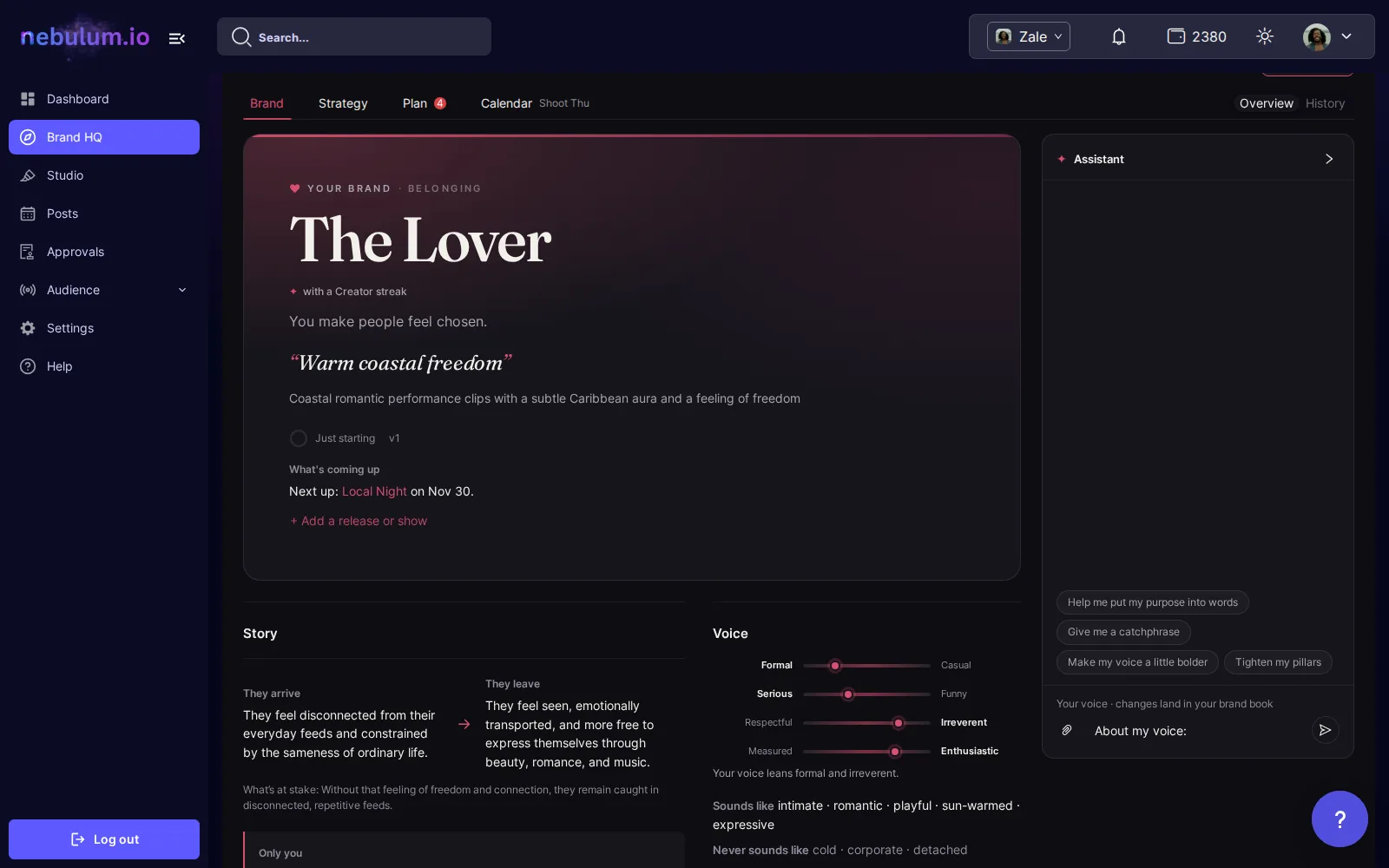
Ask where you are
The assistant works on the tab you're on, and the line just above the message box says where your message goes.
- On Brand, changes come back as proposals in Learnings, and Apply under the reply approves them in one click. A chapter's ✦ Ask changes that chapter at once.
- On Strategy and Calendar, changes come back as cards: click Apply on the ones you want.
- On Plan, open a concept in your batch or your ideas and say what to change.
- With a concept open, it sends back the concept revised, with its brief. Chips like Make it easier to shoot send a common ask.
Give it photos and files
- Click the paperclip (Add photos or files for Nebulum to learn from), pick files and click Upload.
- Tick Keep a private copy to keep the files as references; unticked, each file is deleted once Nebulum has looked at it.
- What it learns comes back in Learnings for you to approve.
Tip: Before you send, it shows the most the upload can cost: credits only for the files Nebulum learns from. Audio and video come with paid plans and reach brands gradually.
Propose a change
If you plan for a brand but can't edit it, what you tell the assistant on Brand, and a chapter you edit (Send for review), goes to the owner for review. Nothing changes until they decide. Before the owner has set the brand up, the line under the tabs offers Tell Nebulum about the band and + Jot an idea.
Automation
- Click Automation at the top of Brand HQ. Each section says what it can and can't do.
- Planning: I review every concept, or Approve concepts for me so the concepts Nebulum writes into a batch start out approved; it never dates or posts them. A new brand starts on Approve concepts for me.
Tip: Approving a concept never lets Nebulum post it.
Related guides
- Brand HQ: your brand bookBrand HQ takes your brand from who you are to what you post, in four tabs. It starts on Brand, where Nebulum writes your brand book with you and keeps it current.
- Brand HQ: plan in batchesSay how many concepts and where you shoot. Nebulum writes them in one go, each with its brief, grouped by shoot; you approve them, then date them in the Calendar.
- Credits explainedWhat credits are, where to see what each action costs, where to check your balance and spending history, and what to do when you run out.
Signed in? Open this guide in Nebulum. New here? Start free.